Supply budgets that are checked before money is spent
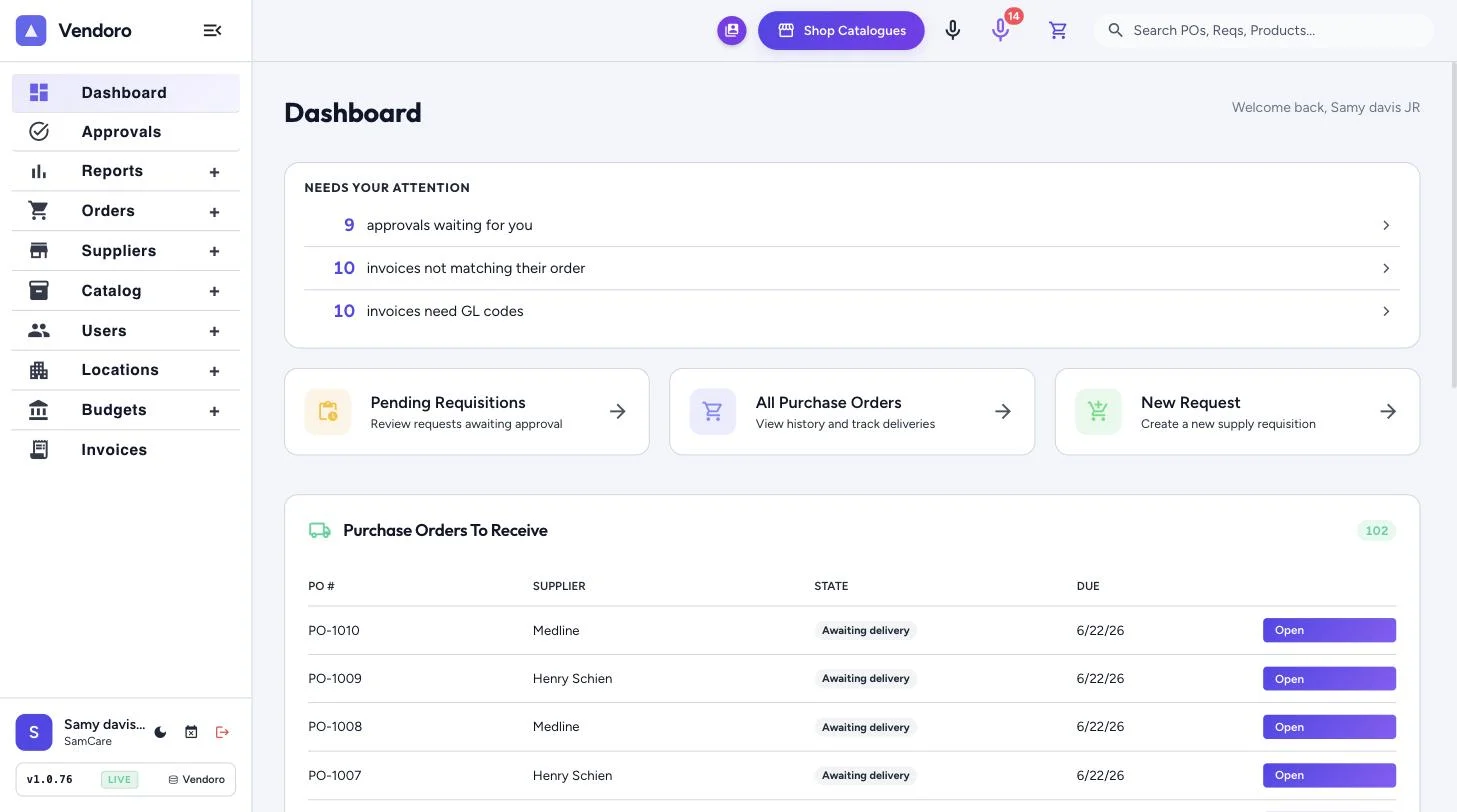
Vendoro budgets each location by category, in dollars per week or month or per patient day from census. Every requisition shows its effect on the budget before it’s sent, over-budget orders can need an extra approval, and a weekday morning email lists budgets at 90% or more.
Two kinds of budget
| Budget | How it works |
|---|---|
| Dollar budget | A total per week or month for each location, split across categories, with an optional end date |
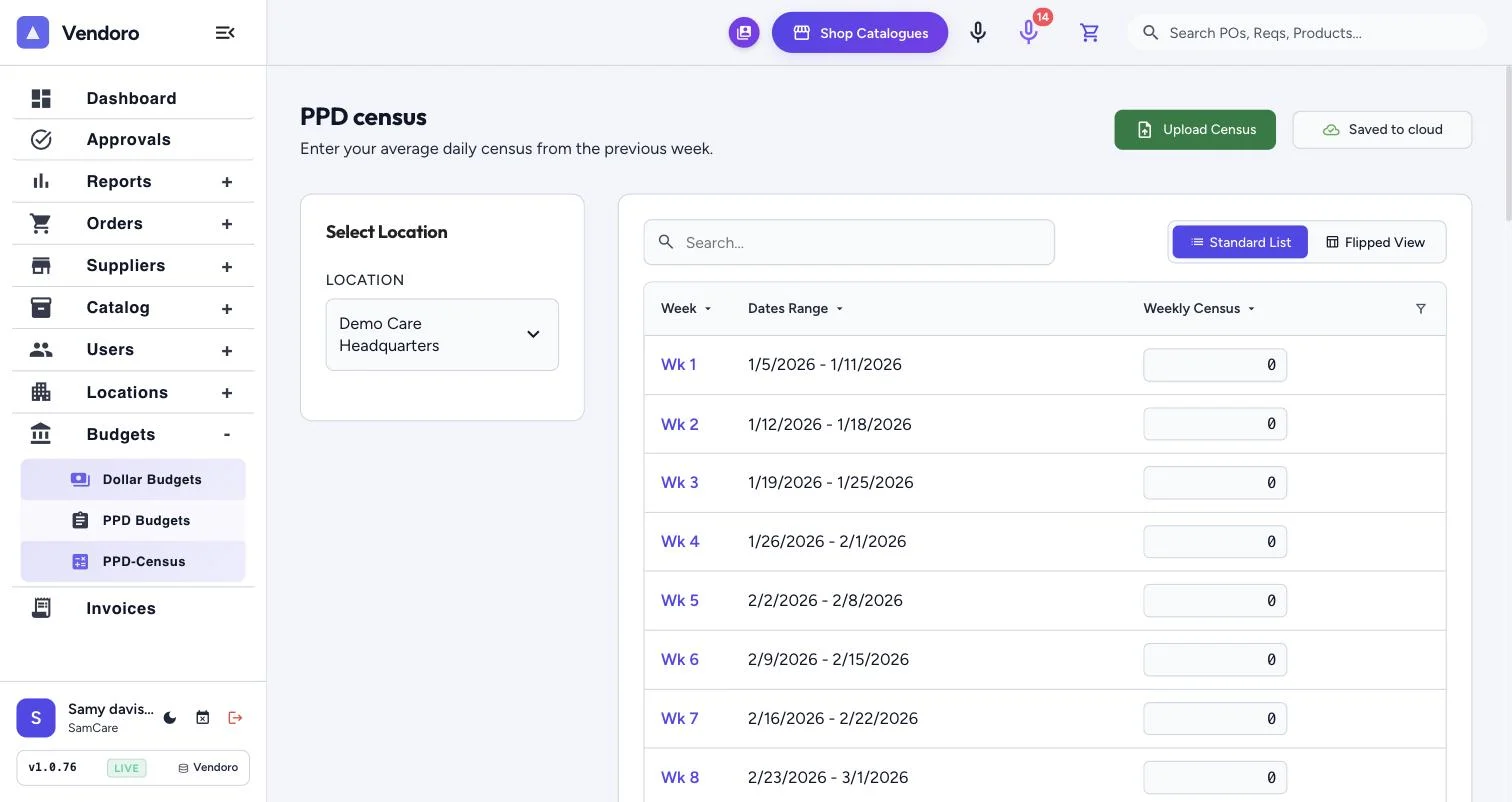
| PPD budget | A rate per patient day, split across categories; the budget moves with census. See PPD budgeting |
Where budgets show up
- OrderingThe requisition editor’s budget panel, and each requisition’s budget impact
- ApprovalsAn over-budget step in the approval chain, and the budget in each approval’s details
- ActualsPOs count when placed; approved invoices replace the PO amount; freight and tax count if you choose
- ReportingThe dashboard’s weekly budget, Budget vs. Spend, and a morning email for budgets at 90% or more
Frequently asked questions
Can we use dollar and PPD budgets together?
Yes. You can set both for a location and choose which one users see first.
Who sees budget figures?
Only people with the right to see budgets. Others get the over-budget warning without the numbers.