Enter or upload census
Keep resident census current so PPD budgets are right.
Go to Budgets › PPD-Census and choose the location.
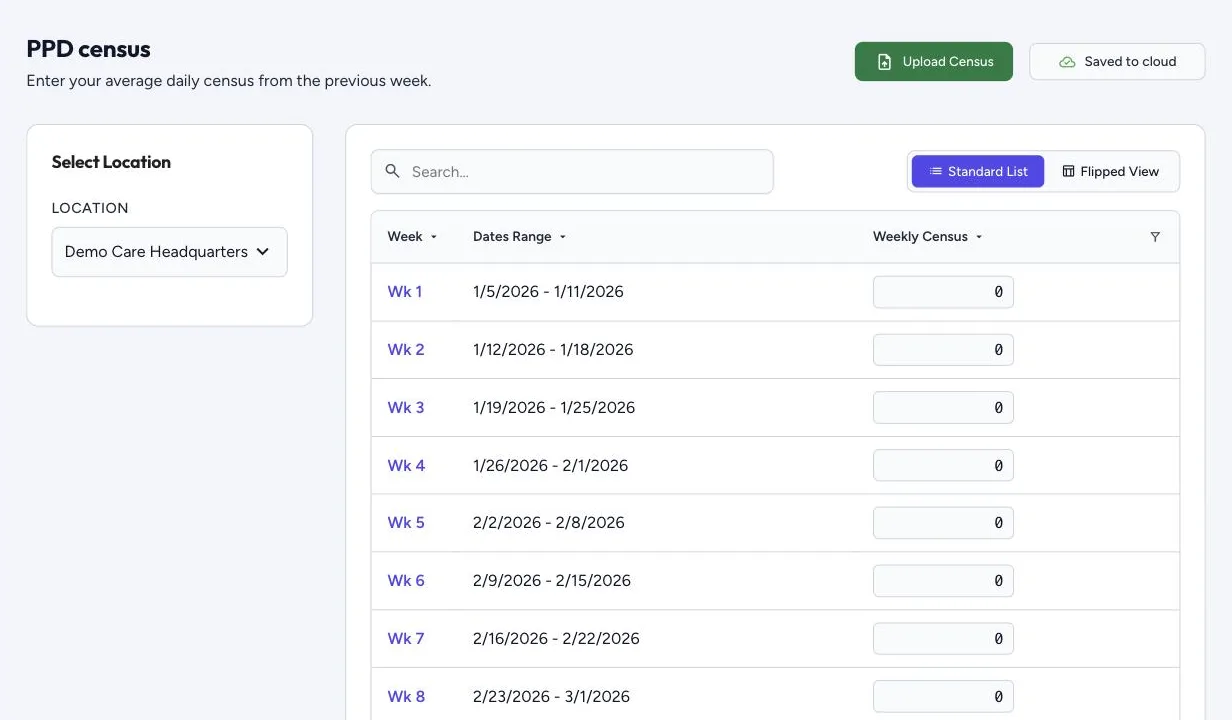
- Enter it by hand: for each week, enter the average daily census from the previous week. Weeks follow the Weeks Start On day set in your budgets. Hover over a week number to see its dates.
- Upload Census: upload an Excel or CSV file, match its columns to location code, census and week (or pick one week for every row), check the location matches, then choose Import Mapped Data. Download Sample Template gives you the layout.
If last week’s census is missing, a Missing Census Data window asks you to enter it. People with the Enter census figures right can fill in a missing census from inside an order, without the budget screens.
Switch between Standard List (one row per week) and Flipped View. Changes save as you go.
For automatic census uploads, contact support.