Receive deliveries
Receive against a purchase order, by scanning the packing slip or by hand.
Go to Orders › Receiving. Open lists purchase orders awaiting delivery; Received lists what’s done.
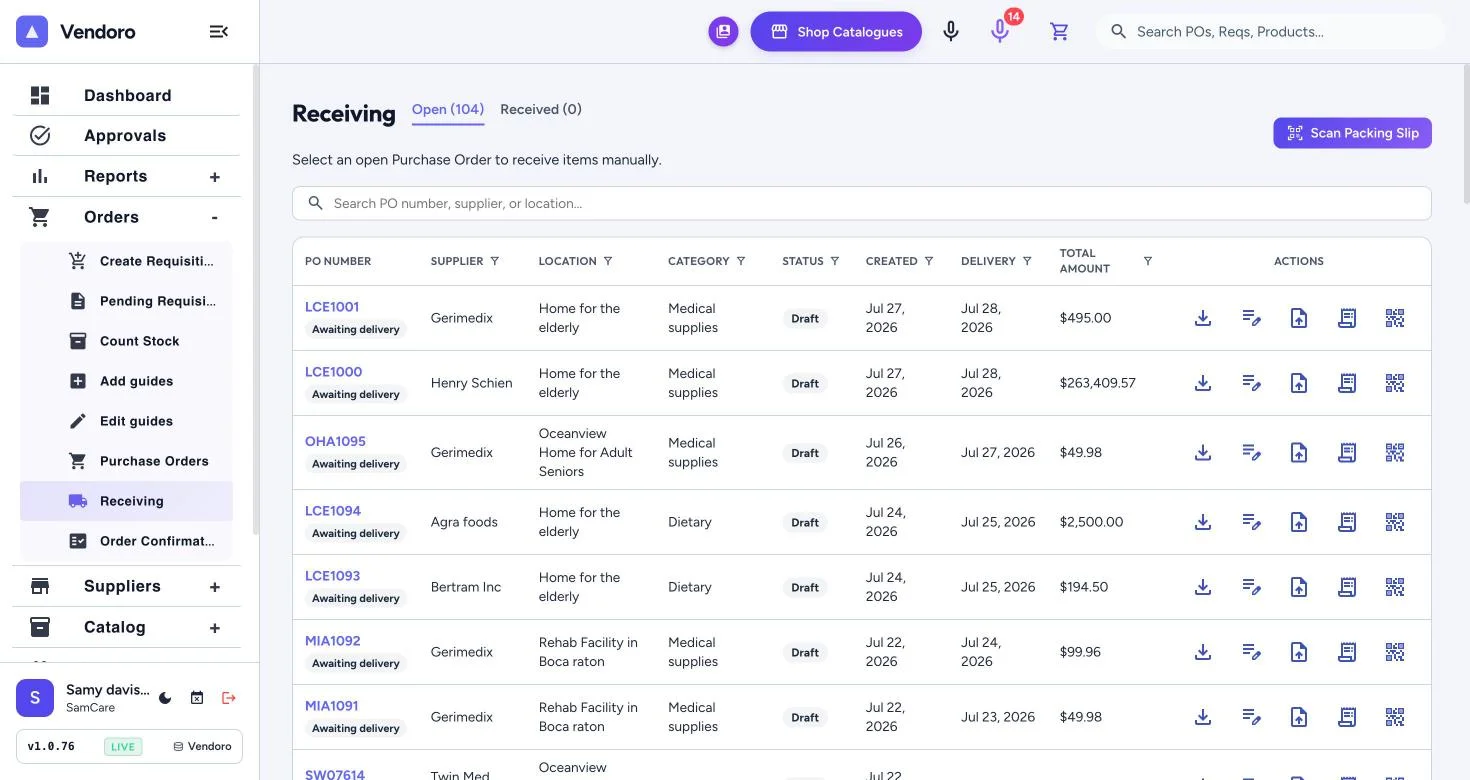
Scan the packing slip
- Choose Scan Packing Slip, or on a PO’s row upload a photo or file of the slip. The QR code on each row moves the job from desktop to phone.
- AI matches the slip to the purchase order.
- Check the quantities against what arrived.
Receive by hand
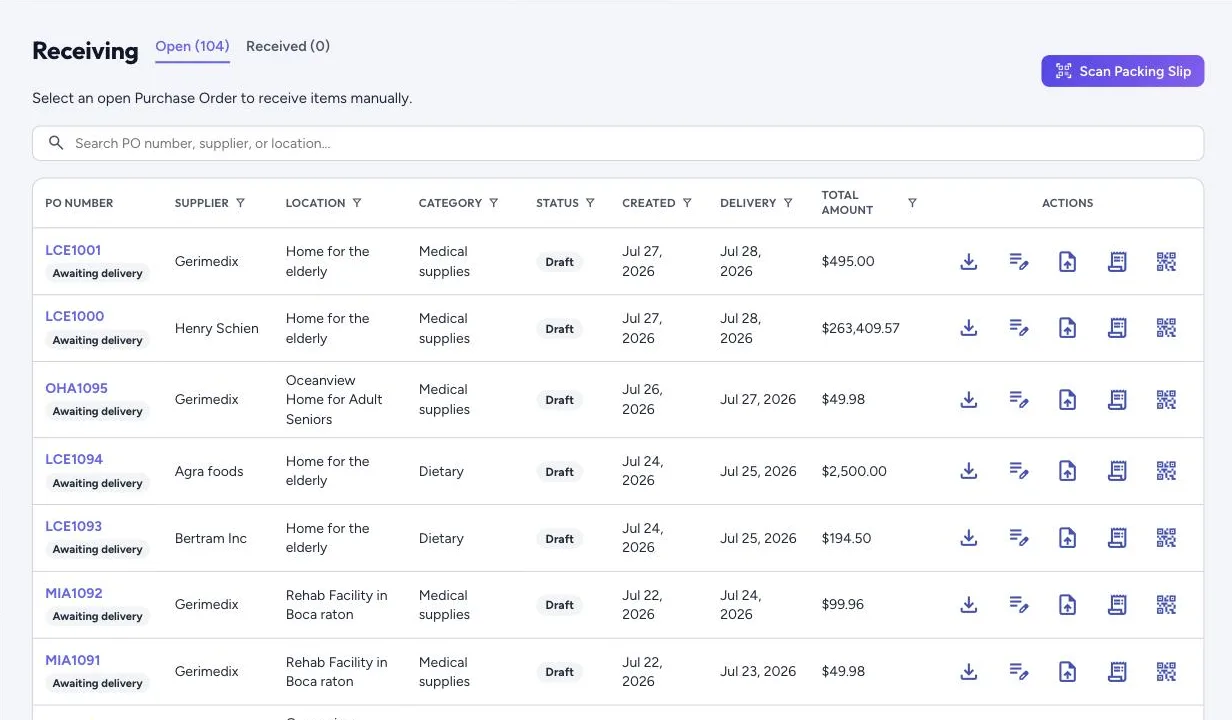
Pick an open purchase order and enter what arrived.
When something’s short
Choose The rest is coming (a backorder), Nobody has said yet, or Close it short, which closes the whole order at what arrived and needs the right to close short deliveries. What never arrived stops counting against the budget. For goods that go back, see Returns and credit memos. Receipt history is kept per purchase order, with the slips.