Purchase orders and confirmations
How approved requisitions become purchase orders, and what happens when the supplier changes them.
Once a requisition is approved, someone with the Create purchase orders from requisitions right opens it and clicks Create POs. A preview shows one PO per supplier; you can switch off the email to any supplier there. Vendoro then makes the POs.
Which day’s price applies
Each supplier prices orders on either the order date or the delivery date. Set it on the supplier under Prices orders on.
The PO preview checks prices before the POs are made. For a supplier that prices on the delivery date, it uses the price that applies on each PO’s delivery day, and checks again if you change the date. If a price has changed since the requisition was sent or approved, the preview lists the old and new price and the date of the price. Click Reconcile & Update Prices before creating the POs.
Purchase orders
Orders › Purchase Orders lists each PO with its number, requisition, supplier, location, category, shipping, tax, total, status, whether it’s been invoiced, and create and delivery dates. Filter by group, location, category, supplier, status, amount or dates; Today’s POs shows what went out today.
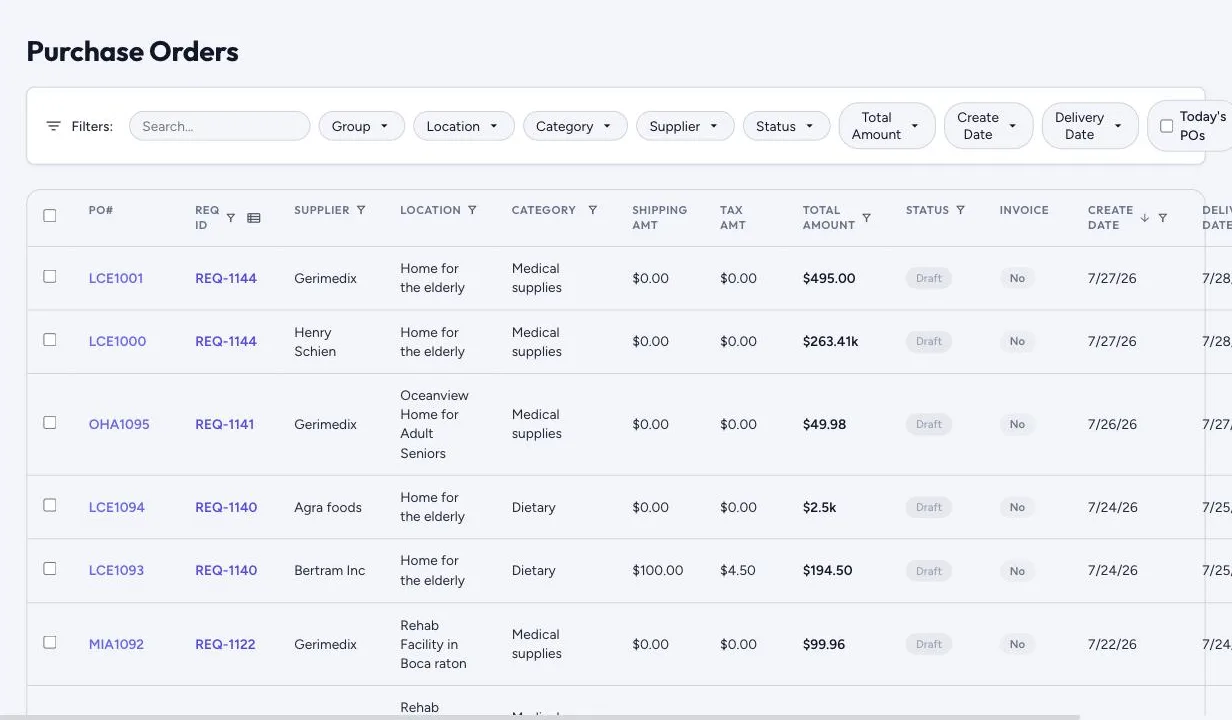
From each row: download the PDF, email it to the supplier, or edit it. If the order has a note, the PDF prints it in its own box at the foot of the order; with no note there’s no box. Each PO goes to the supplier as a PDF with a link into the supplier portal, where they can confirm or change it. Buyers can replace, split or remove lines; if the supplier changes an order, you see the original and the change side by side.
PO numbers start with the location’s 3–5 letter code.
Re-price an open purchase order
If a supplier’s price changes after an order was built, for example a delivery-date supplier’s new price starts before the delivery day, editing the open order shows which lines have a different price on its pricing date, the old and new price, and the new subtotal and tax. Someone with the Edit purchase orders right can click Apply new prices.
Nothing changes on its own, and every change is recorded. Lines received in full keep their price. If the order’s tax is a fixed amount, it’s kept.
If an earlier re-price stopped part way, the order says so and lists the changes it recorded. Click Finish re-price to complete it. A line someone edited after the re-price was recorded keeps its edit; the order lists those lines with their current price. Reopen the order afterwards to see whether it still needs re-pricing.
When you add a price on a product, the When does this price start? step shows which open orders the new price would change; see The catalog.
Order confirmations
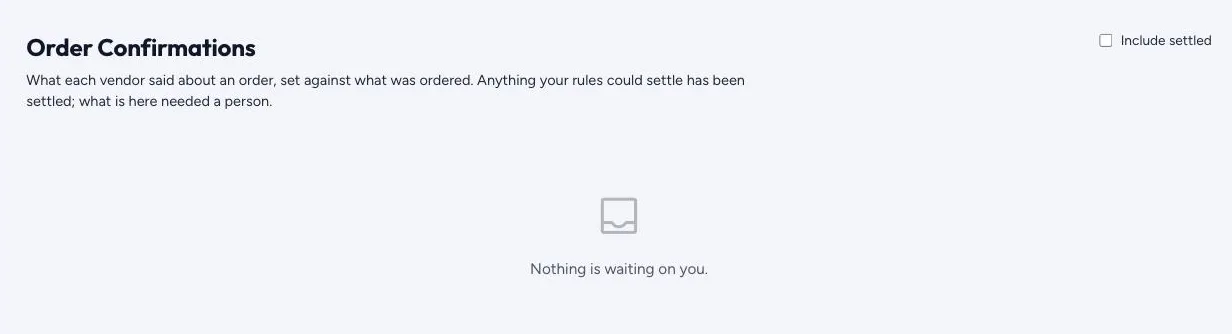
Orders › Order Confirmations sets what each supplier said about an order against what was ordered. Anything your rules could settle is settled automatically; what’s left needs a person, who can Accept it or Dispute it. Include settled shows the ones already handled.
Backorders
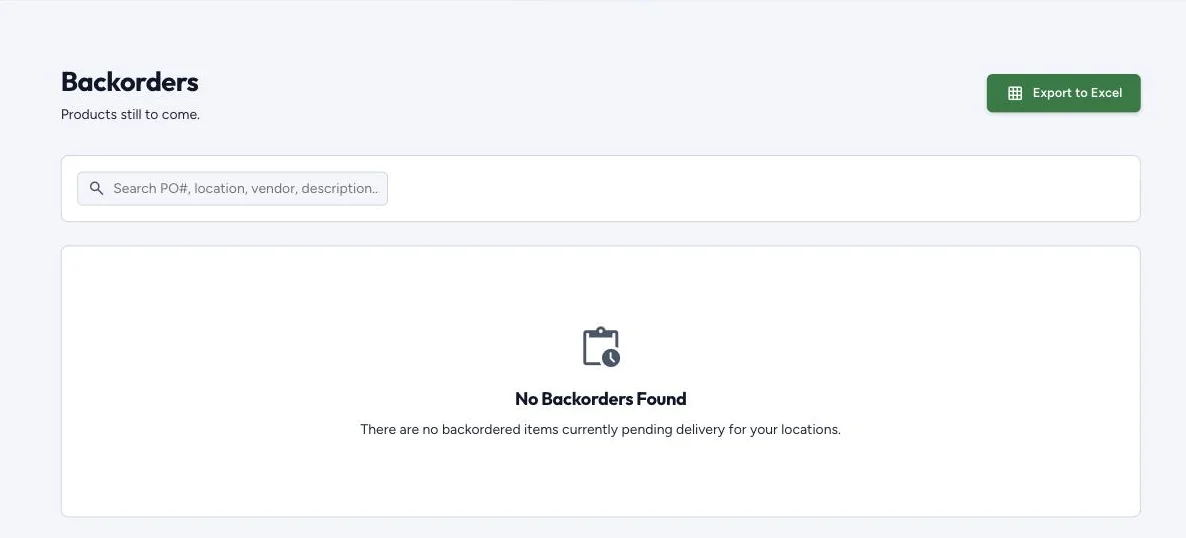
Suppliers flag backordered items, and Orders › Backorders tracks them per location. The requisition editor warns staff before they re-order something that’s out of stock.