Code an invoice to GL
GL coding per line, with splits and AI suggestions.
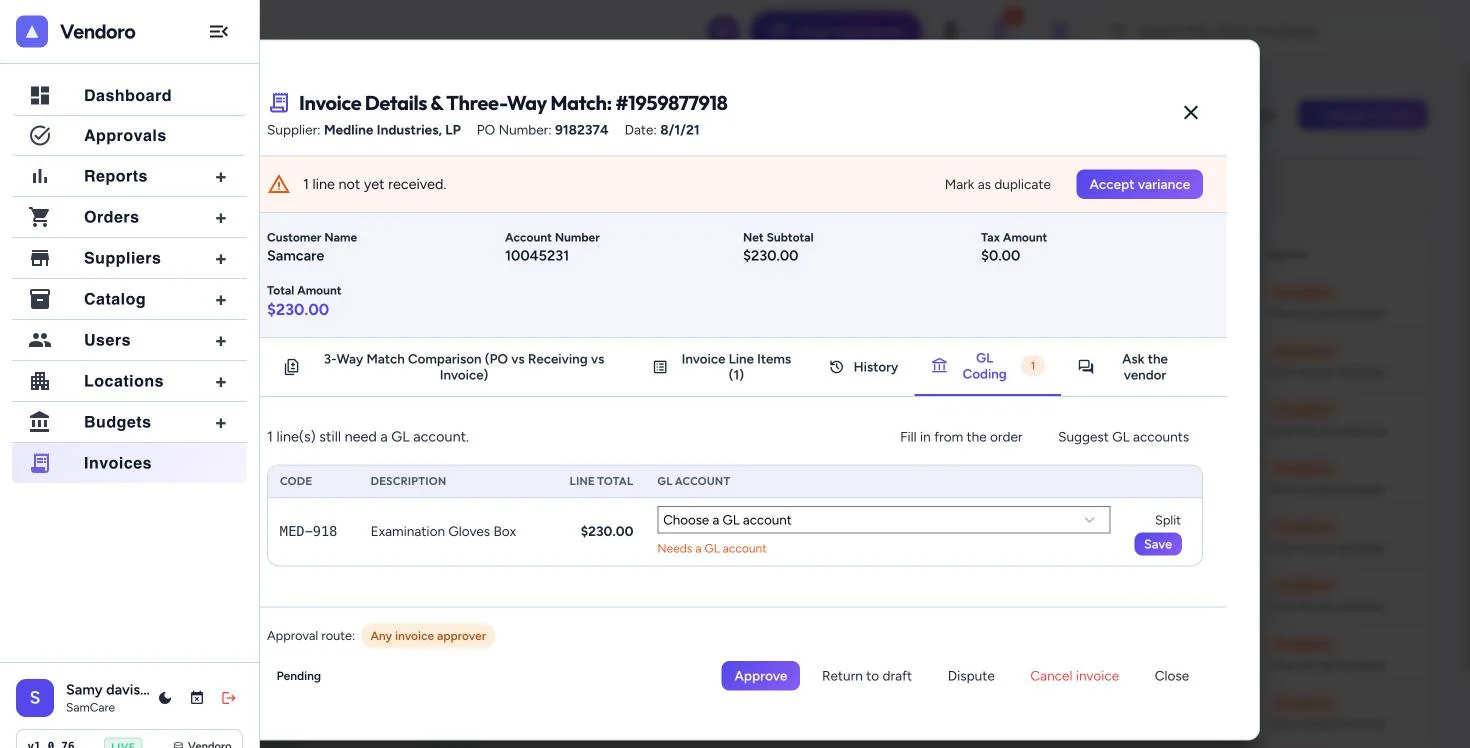
Every invoice line gets a GL account.
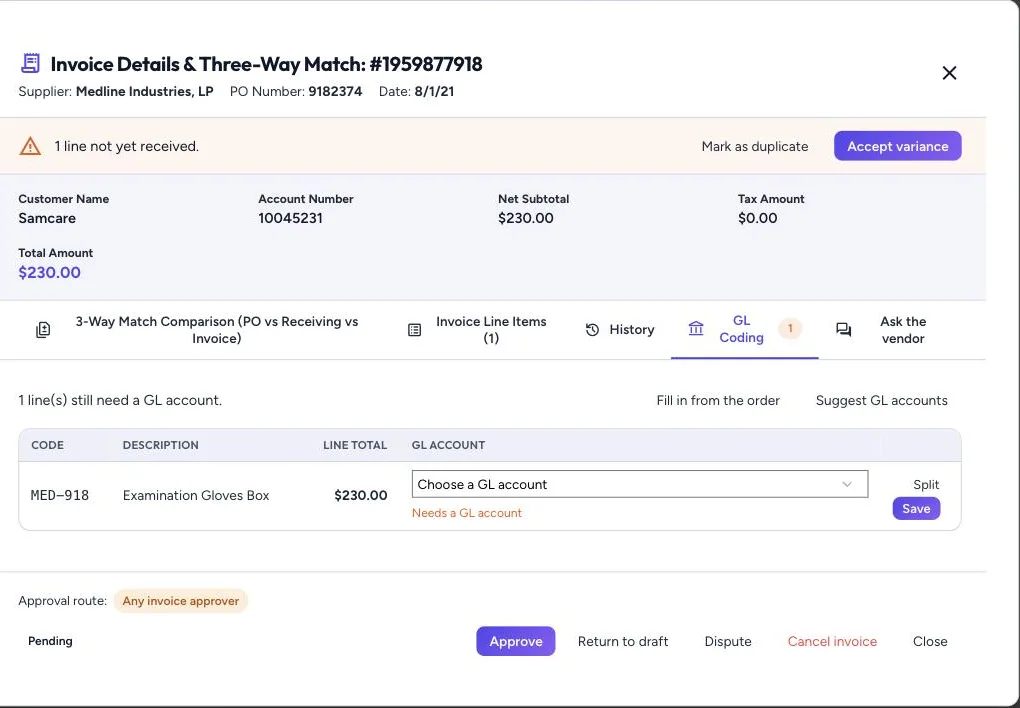
- From the order: lines that match an order line take that line’s GL account, or its category’s at the order’s location. Freight and lines not on an order you code yourself. Fill in from the order reapplies the defaults.
- Splits: split one line across several GL accounts.
- Suggest GL accounts: Vendoro first looks at how this supplier’s approved invoices were coded (the same item code, a similar description, or the supplier’s usual account), and AI suggests one only where that history can’t. Accept each suggestion, or Accept all.
An invoice can’t be submitted or approved until every line is coded, split amounts must add up to the line total, and coding locks once the invoice is approved.