Count stock on a phone
Count the shelf against par and turn the shortfall into a requisition.
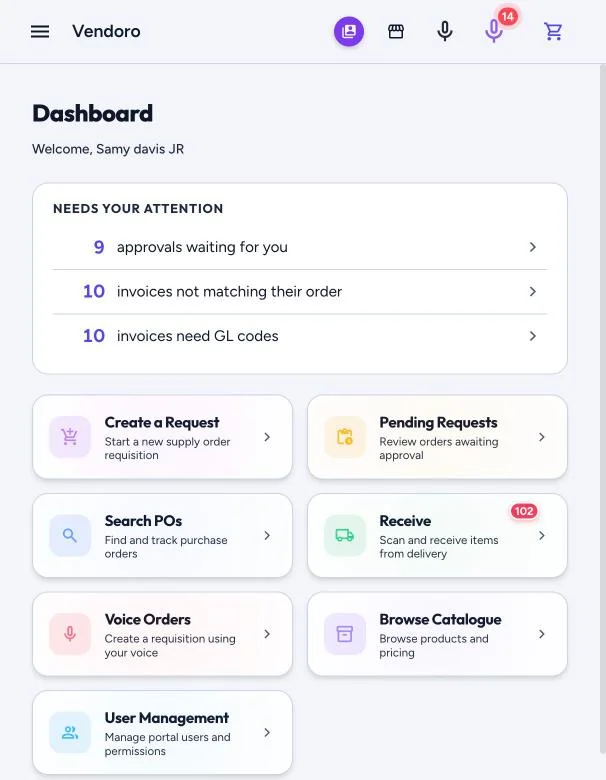
Count Stock is no longer in the menu, but the page still works. Open it from a saved link or bookmark; its address ends in /stock-count. You can count at the locations you’re assigned to, if you have the Create requisitions right.
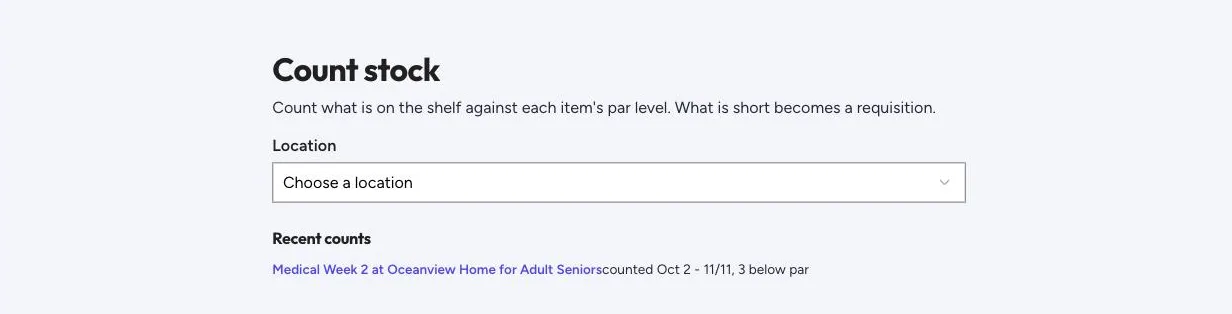
- Choose a location, then one of its order guides. An unfinished count picks up where you left off.
- Walk the shelf and enter what’s on hand for each item.
- Vendoro compares each count with the par level.
- Tap Finish count, then Create requisition for the items that are short. Vendoro orders par minus on hand, rounded up, for each item that’s short; items you didn’t count aren’t ordered. The draft opens for you to review and send.
Each location keeps its own par, even on a shared order guide. Tap an item’s par during a count to change it; this needs the Edit order guides right.