Profile and your Vendoro billing
Company details, logo, contacts, and how you pay Vendoro.
Profile has four tabs. Open it from the menu, or with the gear next to your name at the bottom left. Save each one with Save.
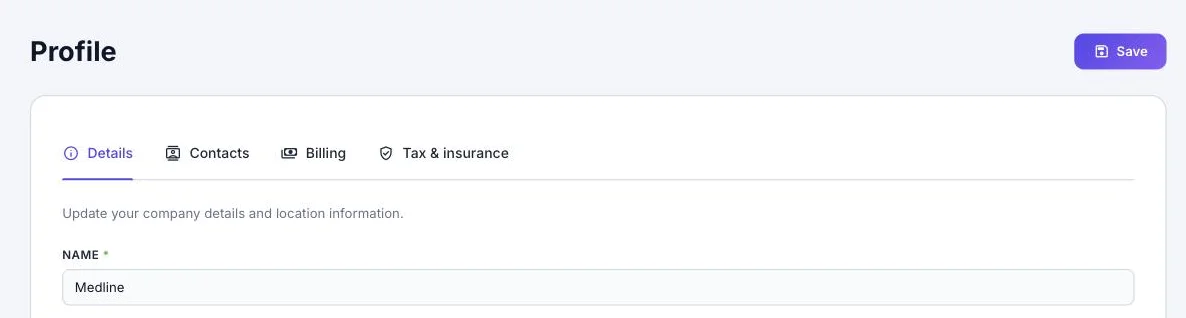
Details
Your company name, main phone, website, and address, plus your Company Logo (PNG, JPG, SVG or WebP, up to 2 MB). Buyers see these on your supplier record.
Contacts
Name, email, phone, optional fax, and type: account manager, AP contact or other. At least one contact is required.
Billing
This is how you pay Vendoro, not buyer billing:
- Your billing address
- A credit card or bank account (ACH); only the last four digits are kept and shown
- Your accounts-payable contact: the person Vendoro sends bills and receipts for your Vendoro fee to. It has nothing to do with how your buyers pay you.
Suppliers pay 1% of purchase order volume, with a $199 monthly minimum. The minimum is prorated for your first month and charged only in months you receive an order. See pricing.
If your AP contact was asked to add the payment details during sign-up, they get an emailed link and up to five reminders. Your account opens once the details are saved.
Tax & insurance
See Tax and insurance documents.
There is no page for adding colleagues in the portal yet.