Join the supplier portal
How distributors and vendors sign up and connect to buyers.
Suppliers join at vendor.vendoro.ai in one of two ways:
- Accept a buyer’s invitation. The link connects you to that buyer; then sign up or sign in to continue. Buyers who send you purchase orders can also offer a connection, which you accept on your dashboard.
- Sign up yourself. On the login page choose Sign up, enter your organization name, your name, email and cell phone number, and choose Create Organization. We email you a link to finish setting up.
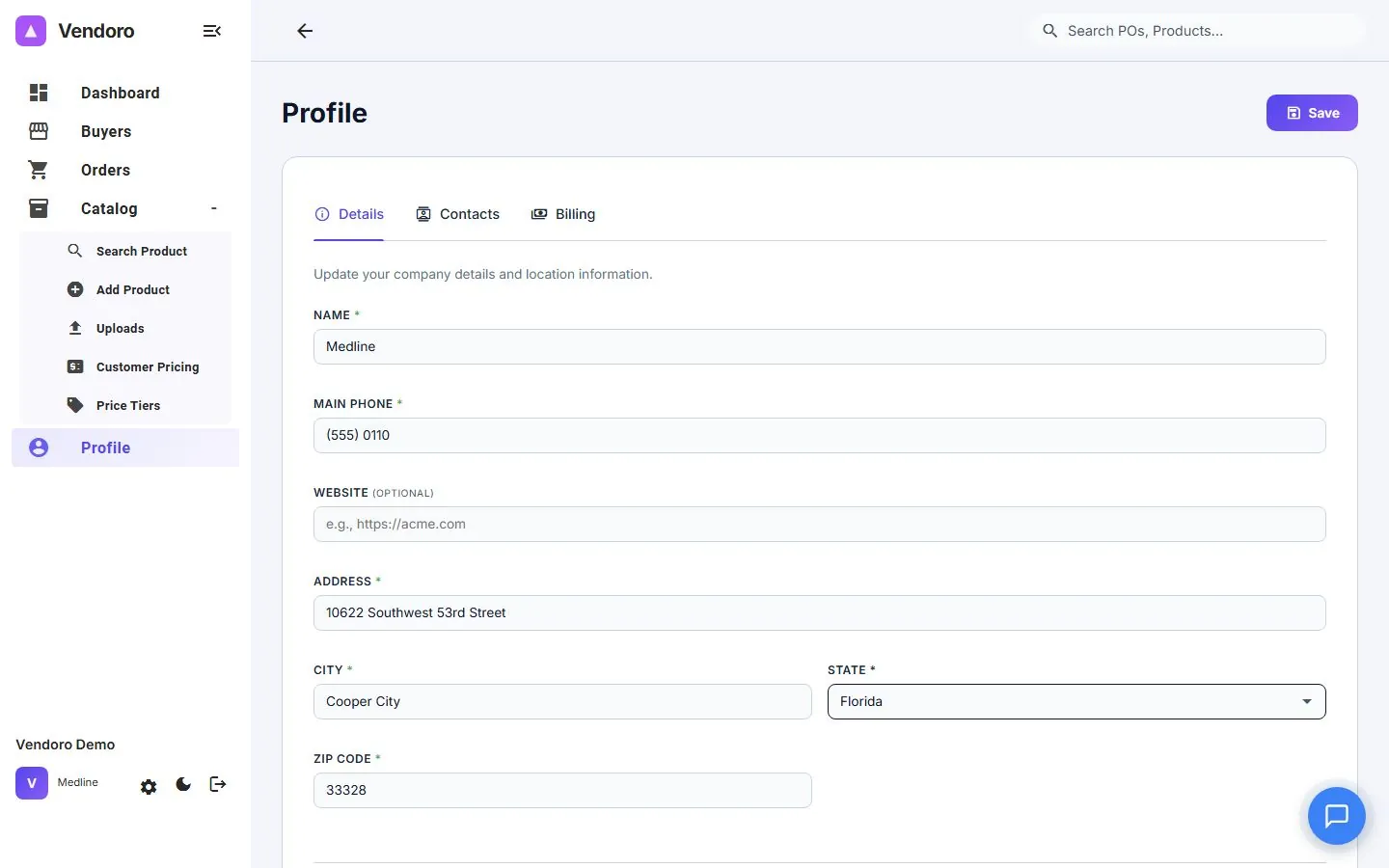
Finishing setup
The emailed link opens a short setup of up to six steps:
- Pick a password
- Contact and address
- Billing address
- Accounts-payable and other contacts: your AP contact is the person Vendoro sends its bills and receipts to for your Vendoro fee. It has nothing to do with how your buyers pay you; if you handle your own invoices, enter your own details.
- Agree to billing: 1% of your purchase order volume, with a $199 monthly minimum, prorated for your first month and charged only in months you receive an order. The screen shows your rate.
- Payment and terms: add a credit card or bank account (ACH). Or tick Ask our AP contact for the payment details instead, and we email them a link to add it. Your account opens once a payment method is in place.
Your buyers
Each connected buyer has six tabs: Contacts, Accounts, Billing Info, Shipping Schedule, Taxes & Shipping Fees, and Pricing Tiers. See Your buyers. Start with Contacts: the other tabs won’t save until there’s one.
Your company details, logo and contacts are kept once in Profile, so every buyer sees the same record.