Emailed invoices
Your company's invoice inbox, and routing rules that send invoices to the right location and supplier.
Your invoice address
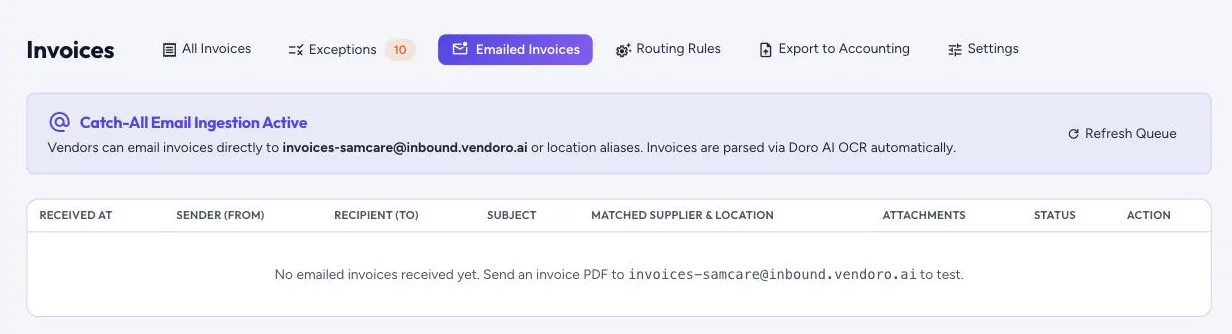
Each company has an invoice address, in the form invoices-yourcompany@inbound.vendoro.ai. Suppliers email invoice PDFs there and Vendoro reads them in the background, usually within a minute or two, saving each one as a draft invoice. Invoices › Emailed Invoices shows what arrived: when, from whom, to which address, the subject, the supplier and location it matched, the attachments and the status. Auto-Processed means the invoice was saved; Requires Review means it couldn’t be read or matched to a supplier, or may be a duplicate, and needs a look. Refresh Queue shows the latest, and Reprocess reads an email again.
Routing rules
Invoices › Routing Rules sends emailed invoices to the right place automatically:
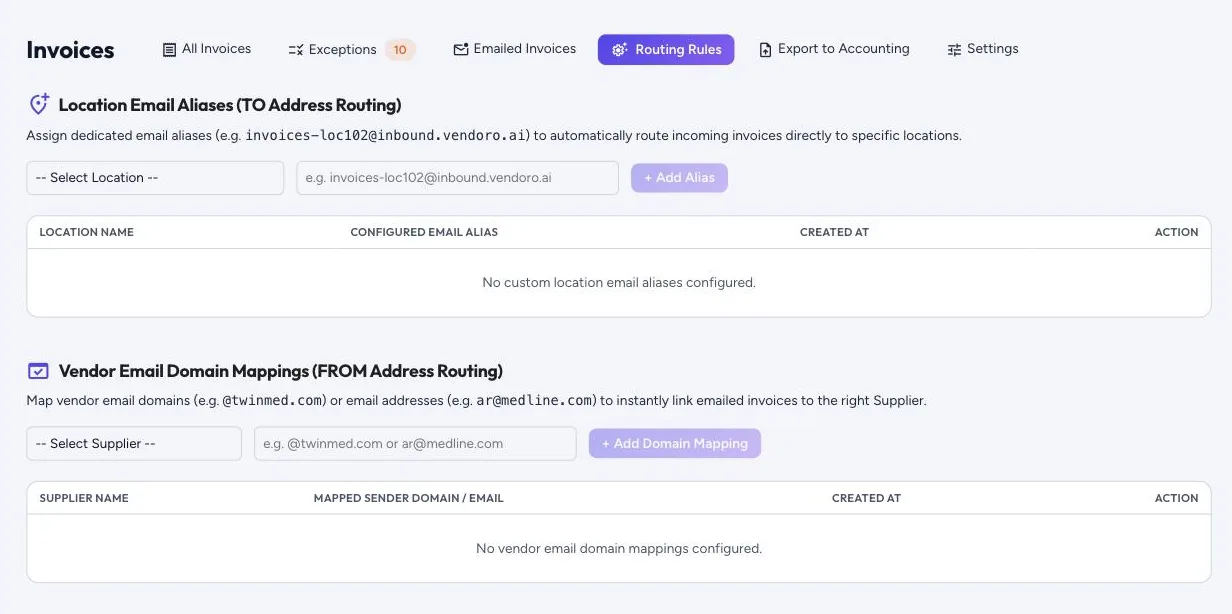
- Location email aliases: give a location its own address, so invoices sent there go straight to that location.
- Vendor email domain mappings: map a supplier’s email domain (for example @supplier.com) or one address to that supplier, so their invoices link to them automatically.