Catalog and pricing
Publish products and set prices per buyer and location group.
Products
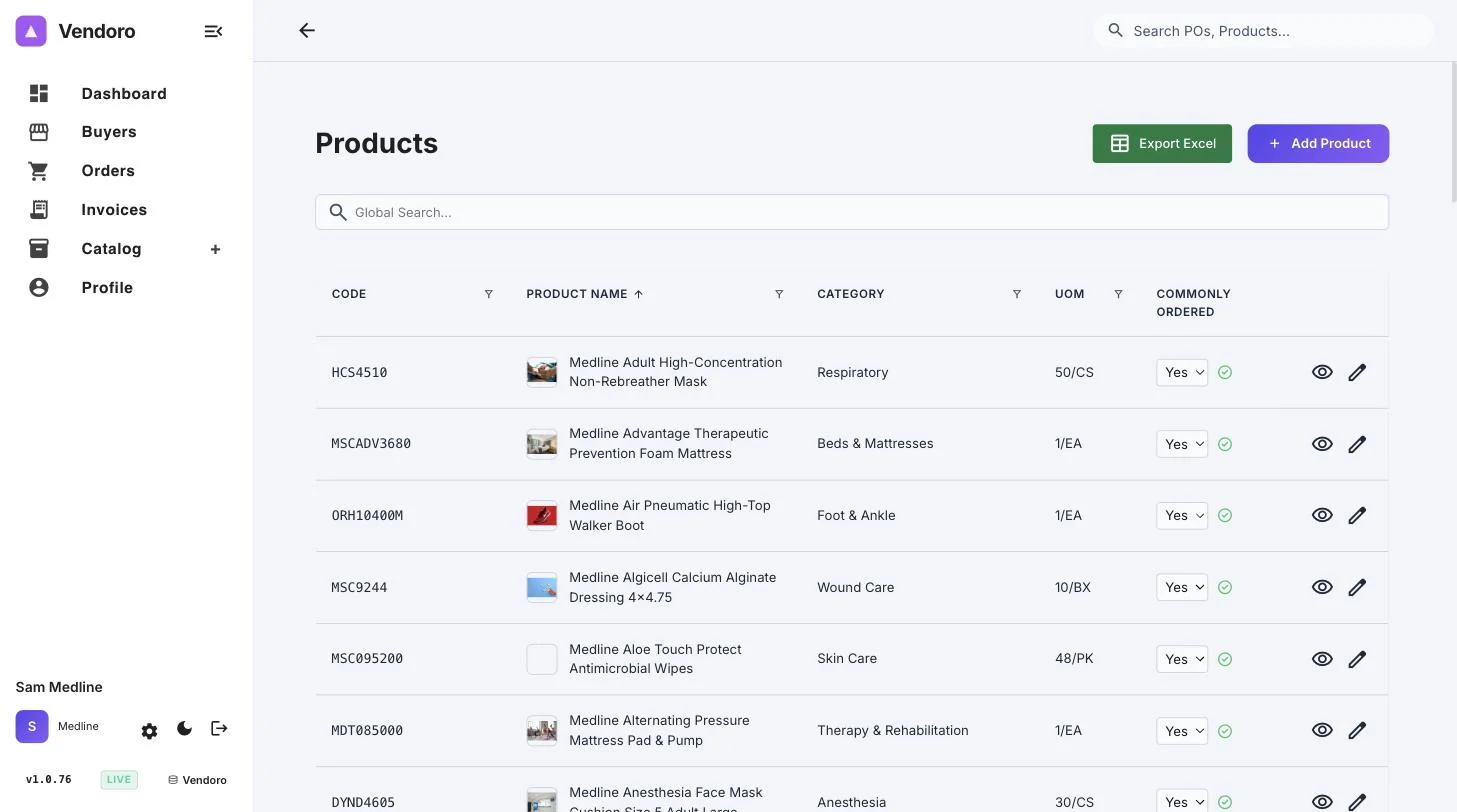
Catalog › Search Product lists your products with code, name, category, unit of measure and Commonly Ordered, which you can switch in the row. Export Excel downloads the list.
Add Product asks for a product name, product code (it can’t be changed later), category, unit of measure, brand, manufacturer number, unit count, short and long descriptions, and images: a primary image plus as many more as you like. When you edit a product, two more tabs appear: Prices by Tier and Price Override.
The eye icon, Preview as Customer, shows the product as buyers see it in their shop.
Bulk uploads
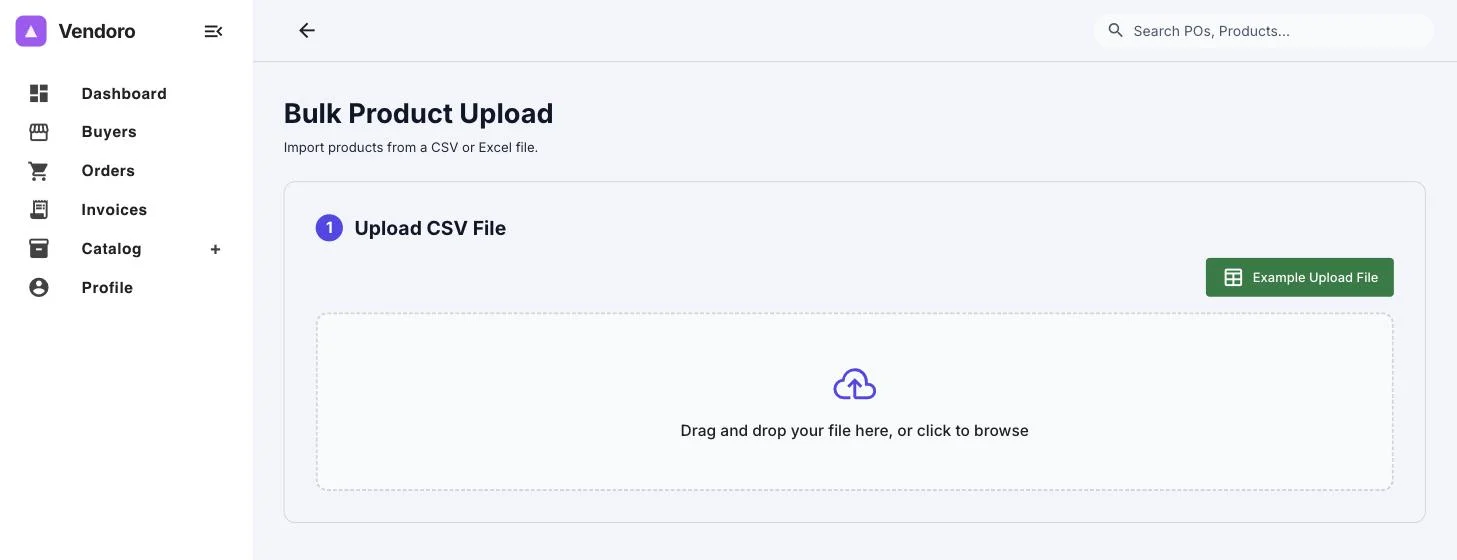
Upload a CSV or Excel file; an Example Upload File shows the layout. Columns are matched for you, and you can change any match. When you choose Confirm & Upload, valid rows are saved straight away. Rows that fail are listed under Items Need Attention, where you can fix them and Retry Selected, or Skip Remaining.
Products are matched on product code, so uploading the same list again updates your existing products rather than adding copies. Rows that haven’t changed are left as they are.
Prices
- Price tiers: named price lists you assign to buyers, groups or locations. See Price tiers.
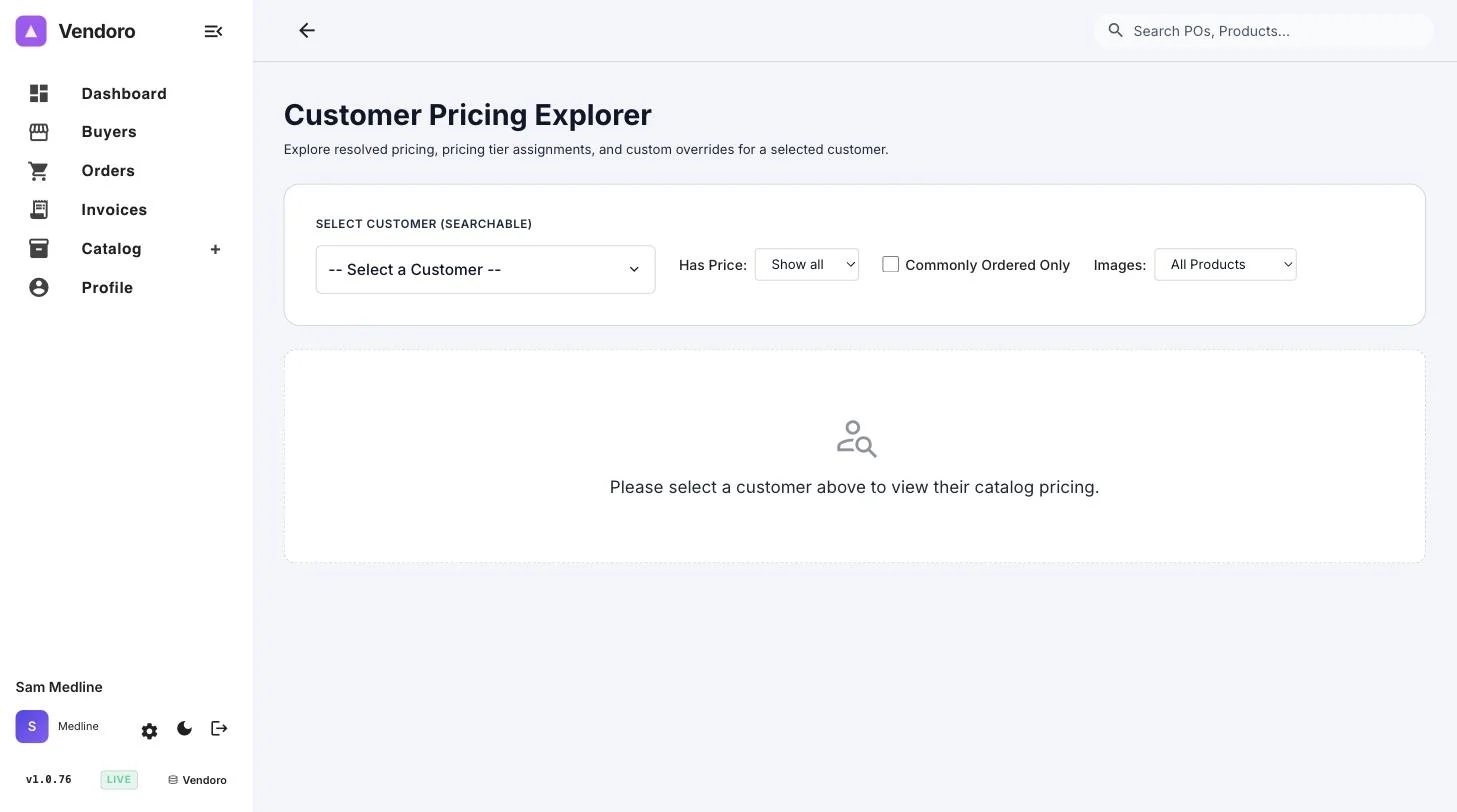
- Customer pricing: under Catalog › Customer Pricing, override one item’s price for a buyer, for all their locations or for one location group, without changing their tier. Filter by items that have a price, commonly ordered items, or items with images. A customer override always wins over a tier.
When you change a customer or tier price, your connected buyers are charged the new price on orders priced after the change. Each buyer decides whether your orders are priced on the order date or the delivery date.