Order by voice
Say what you need and Vendoro turns it into cart lines.
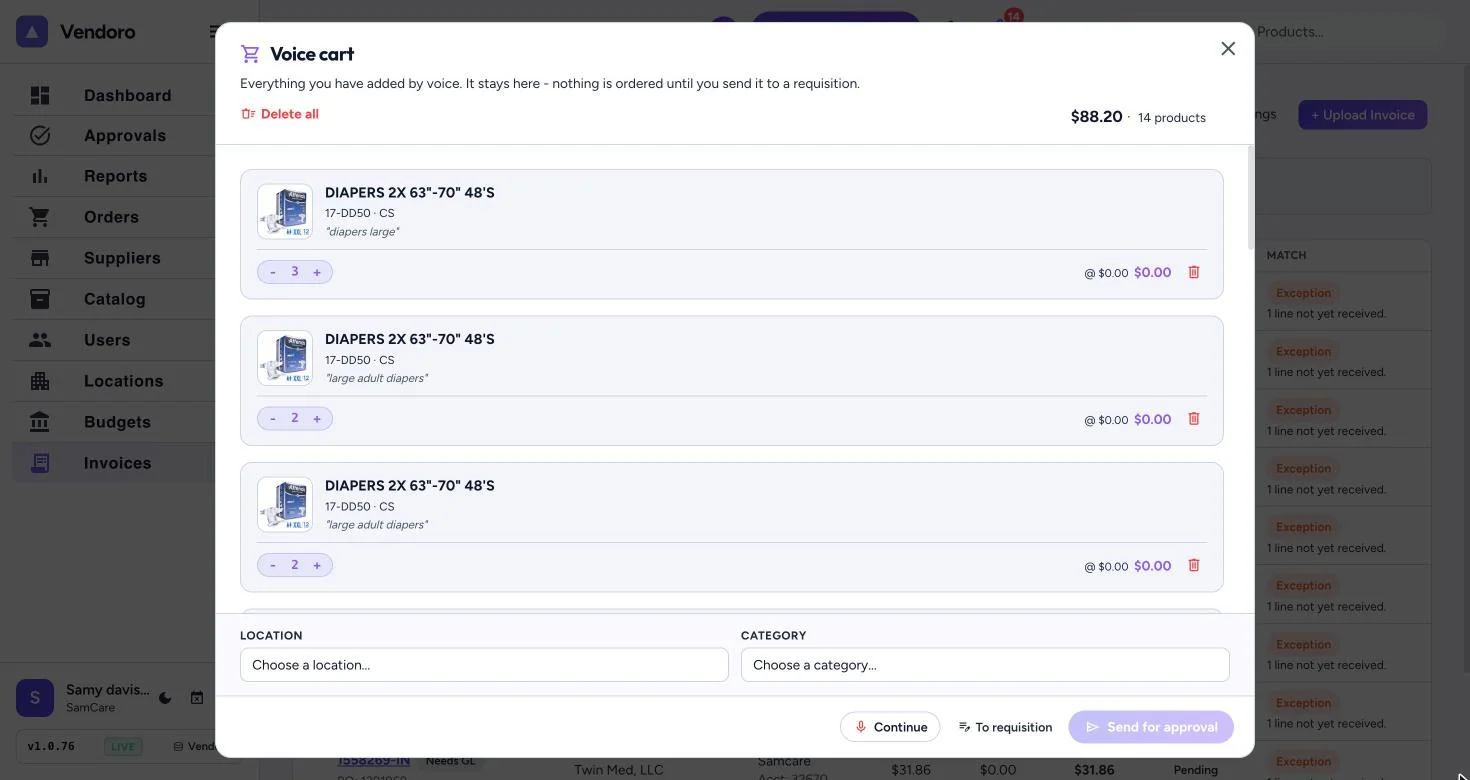
Tap the microphone at the top of the page, or Voice Order at the bottom right on a computer. Say what you need in plain words. Vendoro shows the catalog items that match; pick the right one, filtering by supplier or code if you need to. If you didn’t say a quantity, it asks for one.
Requests stack up in one voice cart through the week. The cart is saved to your account, so it’s the same on every device.
- Name items the way your team does, then check the lines before sending.
- When you’re ready, open the voice cart and click Send for approval. The requisition goes to your normal approval chain.
- Voice ordering works in Chrome, Safari and Edge, for people with the Voice order mic right.